 Wael's Digital Garden
TrueNAS - Add Certificate via ACME
TrueNAS - Add Certificate via ACME#
Problem#
I need TrueNAS to have a valid certificate for use by democratic-csi (for iSCSI and NFS) and for use on the UI.
Solution#
- Go to Cloudflare > My Profile > API Tokens and create a new Edit zone DNS Token.
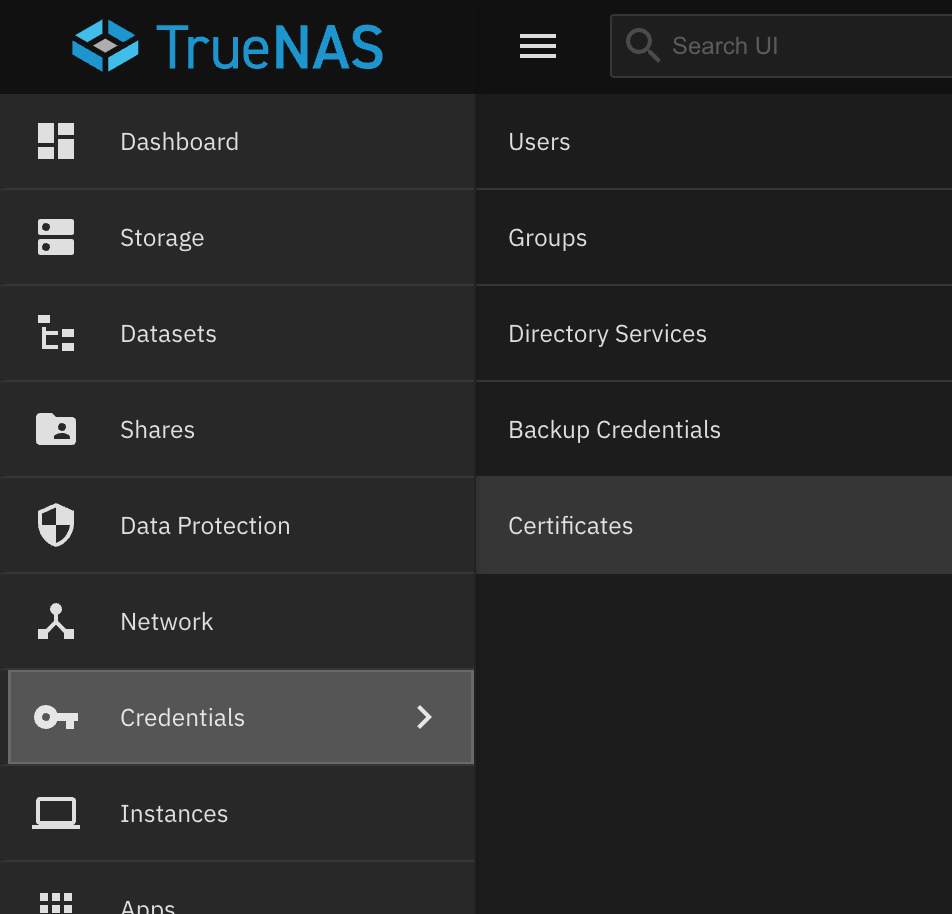
- Go to Credentials > Certificates
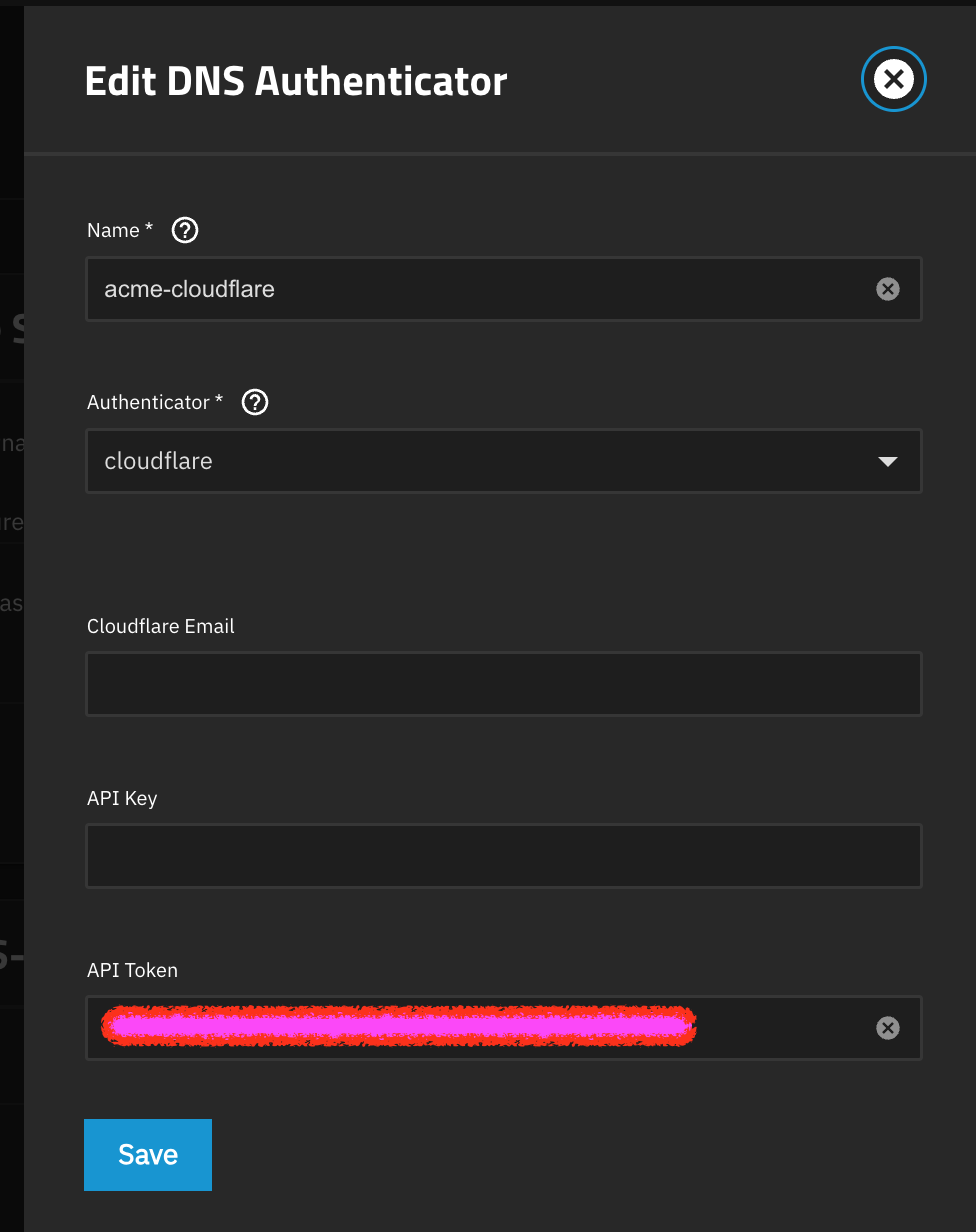
- Click Add next to ACME DNS-Authenticators, fill in the API Token generated on step 1 and save.
- Add a new Certificate Signing Request (CSR)
- Click the wrench icon next to the new CSR to create the new certificate with ACME.
- Set the GUI SSL Certificate by going to System > General Settings and click Settings in the GUI widget.