 Wael's Digital Garden
SuperMicro - BMC - Boot from USB
SuperMicro - BMC - Boot from USB#
Problem#
I need to boot from USB in order to start installing ProxmoxVE. The server has no HDMI (could have serial console and/or VGA; I have not checked yet).
Solution#
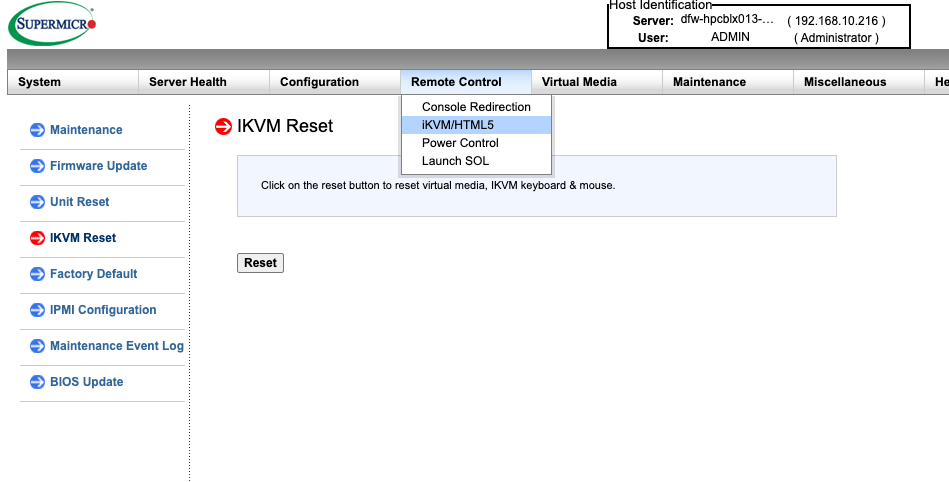
Login to IPMI on the management interface, and select Remote Control > iKVM/HTML5.
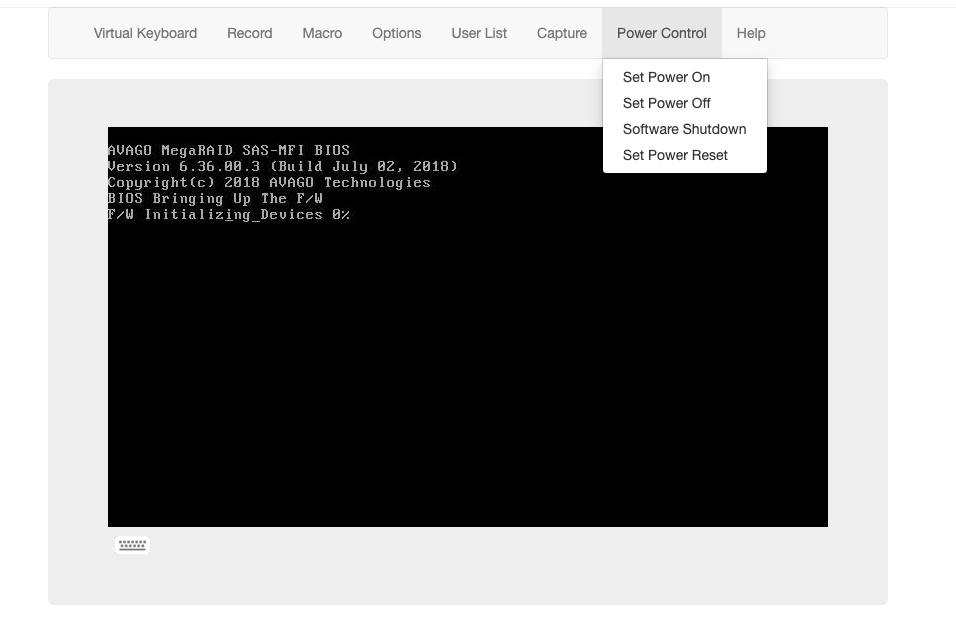
Once on the iKVM, Reboot the server by selecting Power Control > Set Power Reset
Activate the Virtual Keyboard

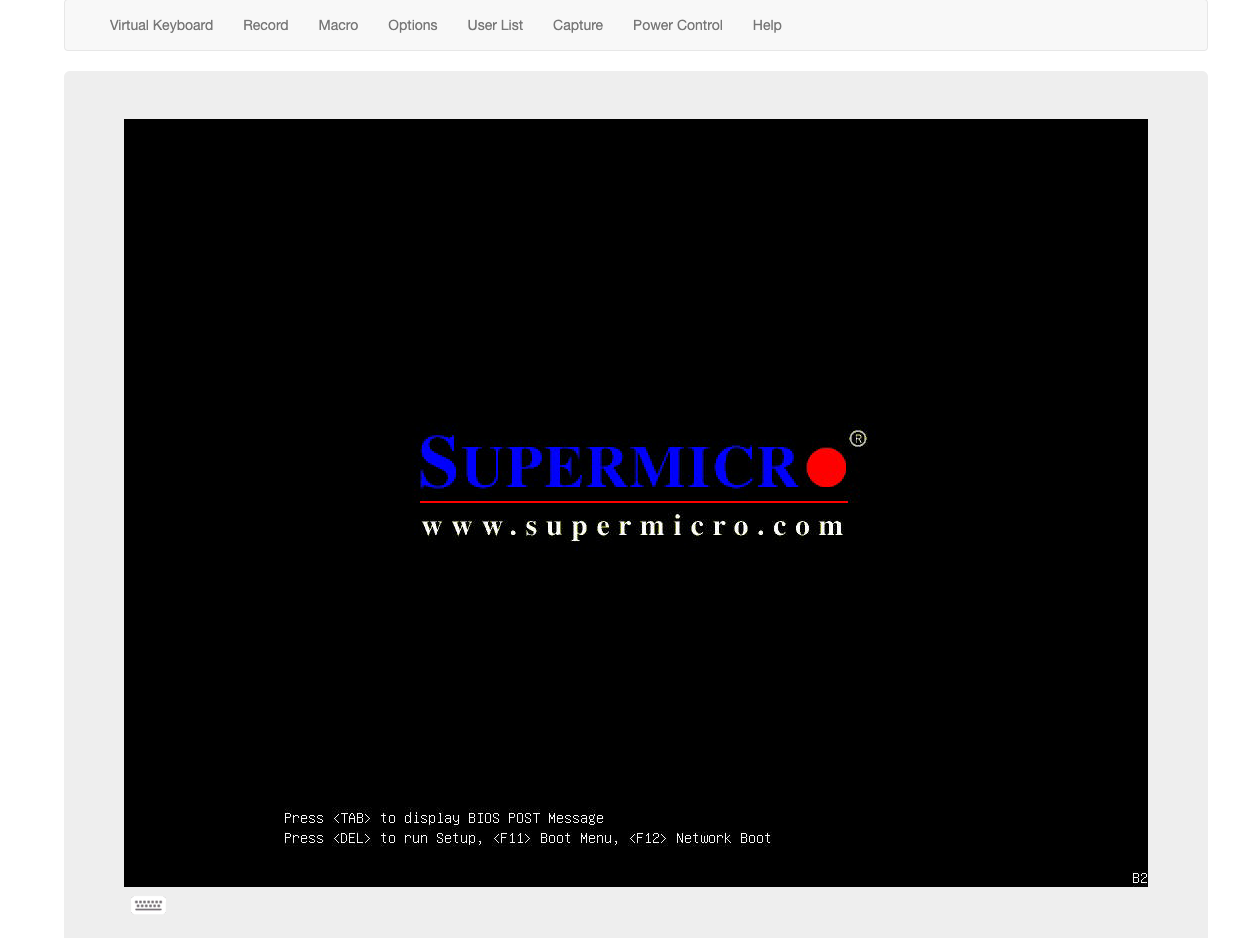
Click on F11 when asked at boot time and select the USB UEFI option